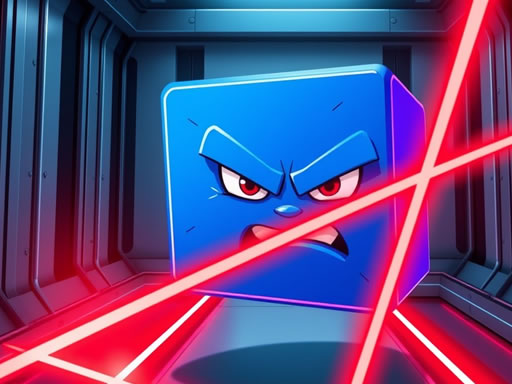
Hard Room Cube
6,567
In Hard Room Cube, you control a cute little cube on a thrilling adventure through a room packed with dangers. Your goal is to guide your cube friend past laser beams cleverly positioned throughout the space, requiring sharp reflexes and careful planning. Despite the tricky gameplay, the game's colorful and friendly visuals create a delightful atmosphere, making it an entertaining challenge for everyone from kids to adults.
Recommended Games
View All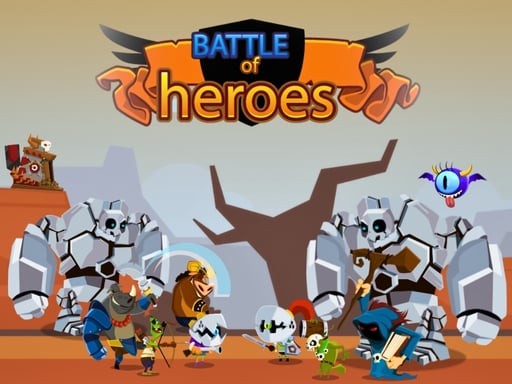
4.7
Battle Of Heros
Click on any available unit to place it in your formation.
3,269
4.6
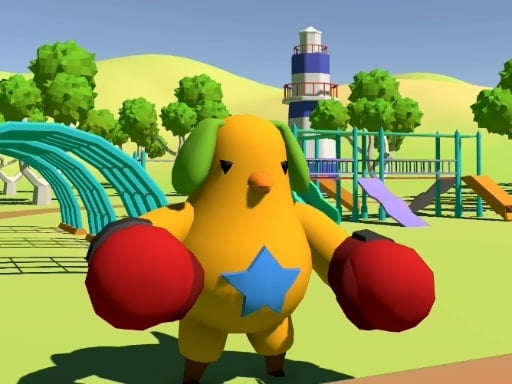
Event Space
In this setup, players use a mouse for aiming and moving the cursor within the game interface, facilitating precision actions like targeting enemies or selecting items. Meanwhile, keyboard inputs handle a variety of commands such as movement, jumping, interacting with objects, and activating special abilities or skills. This combination enhances control and responsiveness in gameplay, offering a balance between strategic planning and rapid execution.
6,693
4.2
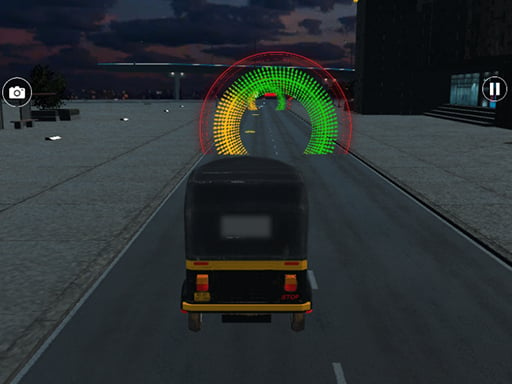
Modern Tuk Tuk Rickshaw Game
USE ARROW KEYS TO STEER THE RIKSHAW LEFT AND RIGHT AND ACCELERATE WITH THE UP ARROW WHILE DECELARATING WITH THE DOWN ARROW TO NAVIGATE THROUGH TRAFFIC AND PICK UP PASSENGERS AT指定的操作游戏副本
3,181

4.9
Mad Shark Fish
for mobile users simply tap and swipe the screen for intuitive control pc users can navigate using mouse clicks and movements for seamless interaction
7,405
4.4
ALONE II
Use WASD keys for movement, E to interact with objects or environments, F to turn the flashlight on and off, and Q to quit the game. Press Windows key for system-related functions and ESC to pause the game. An in-game tutorial is available for further guidance.
5,936
4.2
Escape The TEMPLE
Player 1 uses WASD keys for movement, while Player 2 uses arrow keys. Both players can press E to open valves or move boxes. On mobile, touch controls are used.
3,011
4.8
Jump Or Lose
Use WASD for the red player and arrow keys for the blue player. As water rises, navigate to stay dry. Be the last player standing to win.
5,532

4.7
Careening Though Space
Tap or click to guide the astronaut, collecting air tanks and coins while dodging asteroids, flying saucers, and black holes.
7,479

4.2
Penguin Adventure 2
In this game, on PC, use up and down arrows to jump and move down, and press J to throw bullets. On mobile, tapping buttons makes you move. To enhance understanding, on PC, left and right arrow keys control movement direction while up arrow initiates jumps. On mobile, swiping left or right navigates character movement, and tapping an additional button fires projectiles.
5,442
4.4
Safety Pin Couple
Click or tap the screen to interact and progress through the game. Use these inputs to trigger events, solve puzzles, and navigate levels.
4,060

4.9
Wizard Adventure
Use the touch screen joystick to navigate the player character. Move your finger on the screen in the direction you want the player to go. This controls both the Android and PC players equally, providing smooth movement in any direction.
3,606
4.4
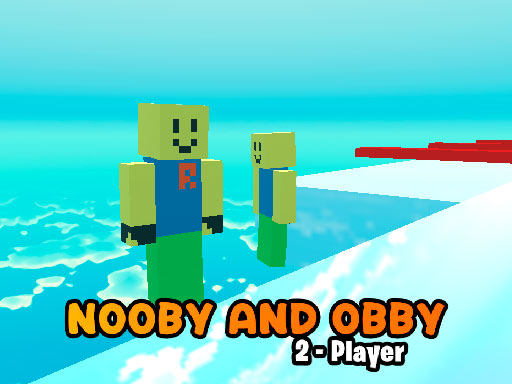
Nooby And Obby 2 Player
Noob Player Use arrow keys or WASD to move and space or P to jump. Mobile control available for the devices
7,840

4.2
Candy Cat Shot
for mobile use touch controls, for pc use mouse for navigation and interaction
4,358

4.5
Angry Dad Cute Baby
W A D controls the Cute Baby, Arrow Keys control the Angry Dad, pressing U key or button opens a portal
3,110
4.0
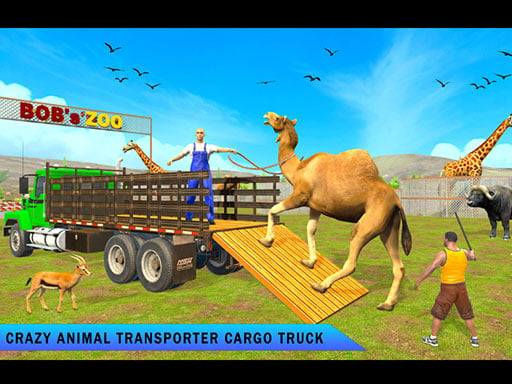
zoo Animal Transport Game
Use arrow keys to direct animals and vehicles. Press space for special actions like jumping or accelerating.
4,781

4.5
Among Squid Challenge Online
Use arrow keys to move around in both mobile and PC versions. Press space to eliminate opponents. Utilize buttons for toggling the map view on and off to navigate better.
7,507
4.6
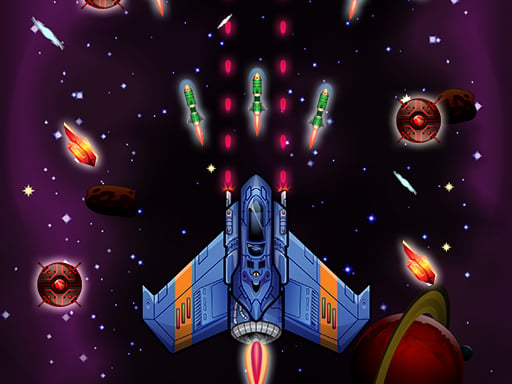
Galaxy Wars
Desktop: Click and hold the left mouse button, then drag to navigate. Mobile: Touch the screen and drag to move around.
3,792
4.7
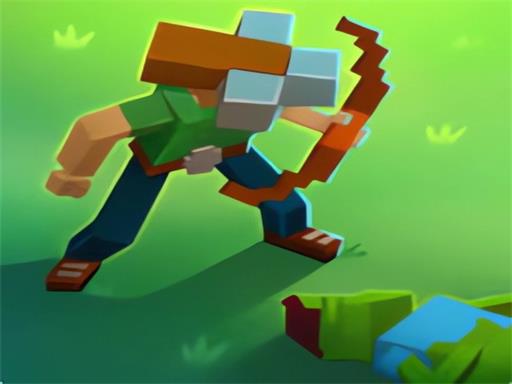
Blocky Universe
click to start your adventure explore the interactive world by clicking on various elements to trigger events and progress through levels interact with characters by clicking on them to engage in dialogue or complete tasks solve puzzles by identifying clickable objects that help you overcome challenges navigate through different scenes by clicking on portals or exits to travel within the game environment collect items by clicking on them to add to your inventory use collected items by clicking on obstacles or specific areas requiring those items to proceed
4,246

4.4
Challenging Track
In this game, pressing W makes your character jump. A moves your character left, while D moves them right. Pressing S allows your character to bend over. For mobile users, simply touch the corresponding directions on the screen to perform these actions.
4,753